 España
 United States of America
 United Kingdom
 Argentina
 Ireland
 México
Horeca delivery
Every delivery, with its window, its returnables and its proof.
For distributors delivering to hospitality: from the order to the stop, and from the stop to what is still to be returned.
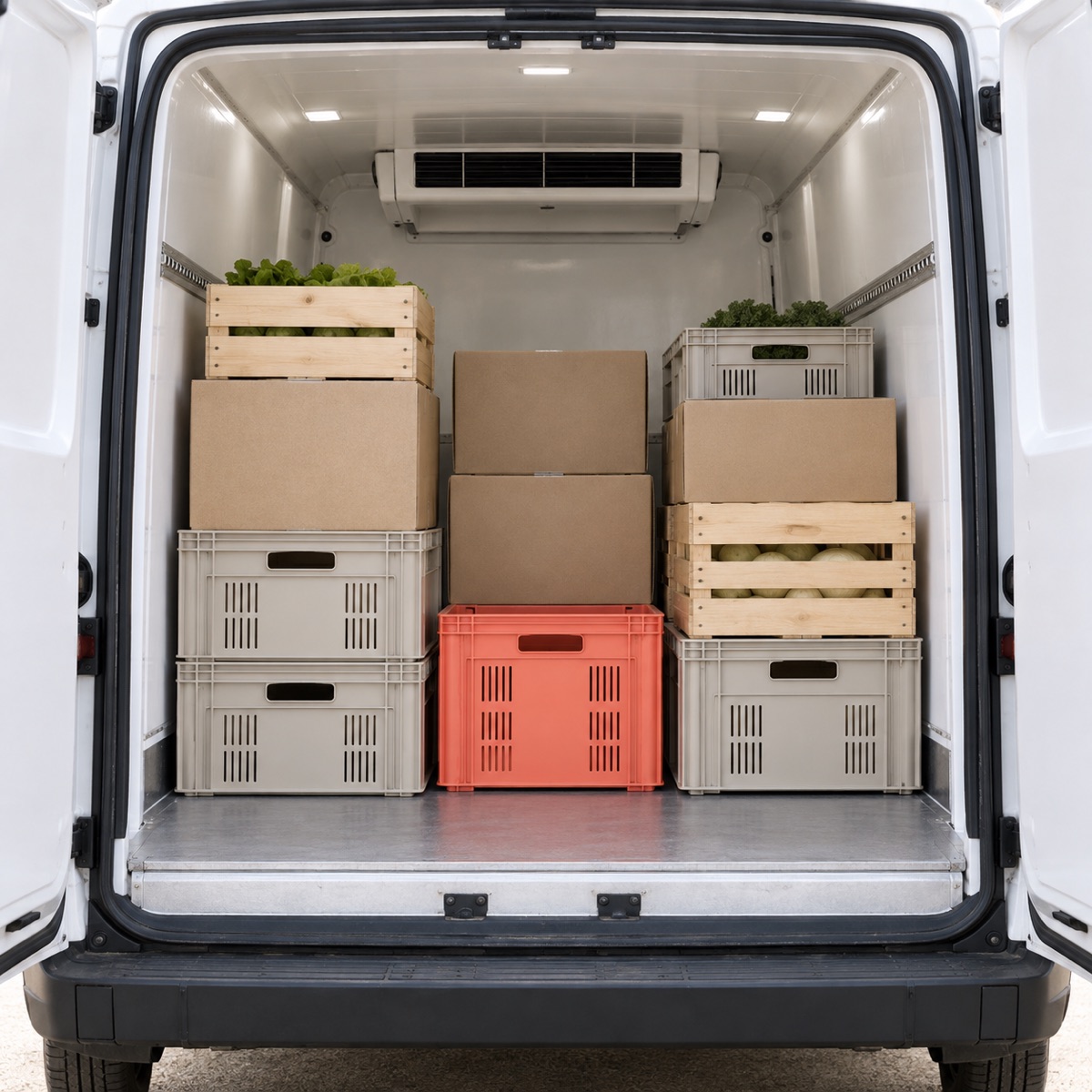
How it works
This is how every order moves through your delivery
From the moment the order comes in until you know which crates are still at the bar.
1. Your office
Receives the order
- Orders with their lines
- Returnable products
- Each customer, with their delivery window
Customers and Orders
2. Your office
Prepares the route
- Plan route, by driver and day
- Stops in order
- Load sheet
Routes
3. Your driver
Delivers
- My route, on the phone
- Delivery photo
- Receiver’s signature
- Returnables collected
Driver panel
4. Your office
Sees it and closes it
- Delivery map
- Delivered, partial, failed or rescheduled
- Returnables out
Map and Customers
What you get
Customers
Each bar or restaurant, with its delivery window and the crates it still holds.
Orders
With their lines, their returnable products and their amount.
Routes and load sheet
Orders grouped by driver and day, and what has to go in the van.
Delivery map
Where your vans are and how each stop is going.
Photo and signature
The proof of every delivery, at its stop.
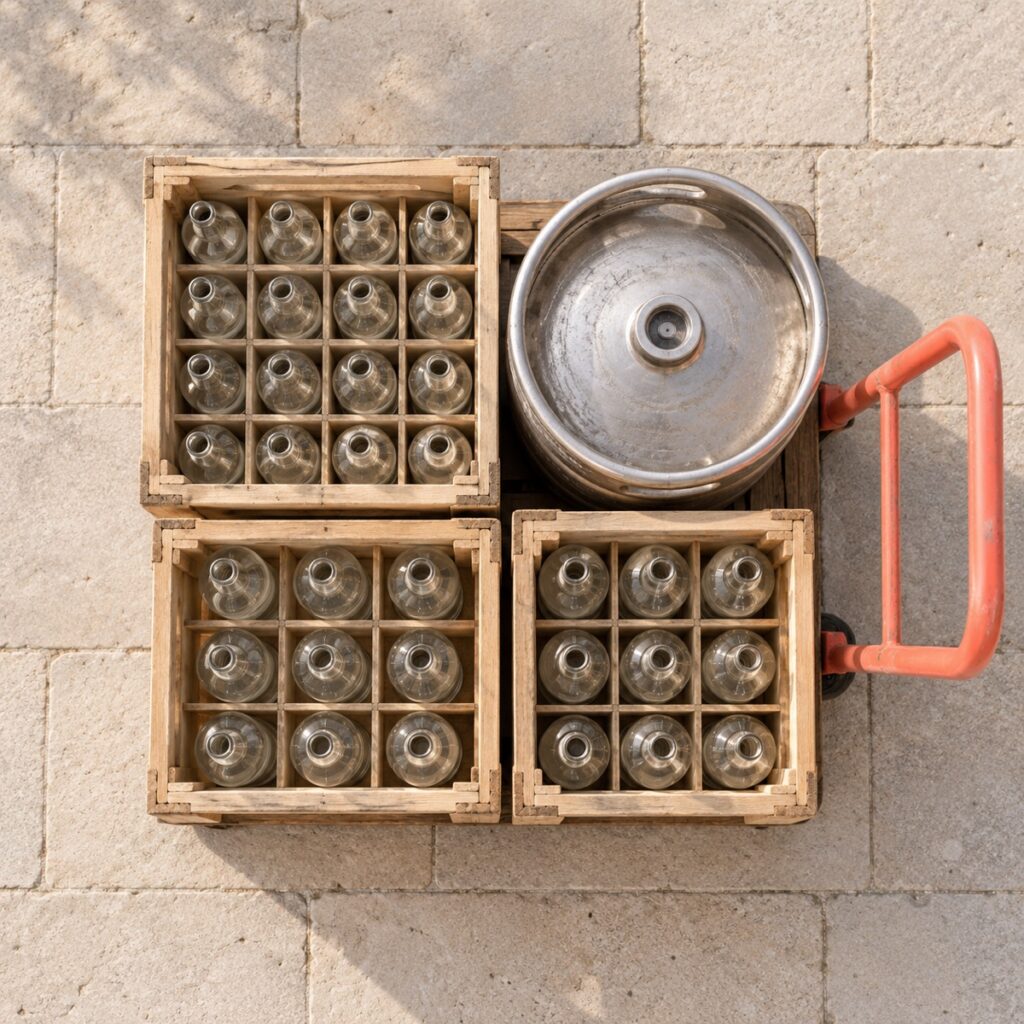
Returnables
Those collected at each stop, and what each customer still has to return.
Questions from distributors
Does it take each customer’s hours into account?
Yes. Each customer has a delivery window, and you see it at every stop on the route.
Does it track returnable crates?
Yes: they are marked on the order, collected at the stop, and each customer builds up what they still have to return.
How does the driver work?
On the phone, in «My route»: they see their stops and leave the photo, signature and returnables at each one.
What if a delivery fails?
The stop is marked as partial, failed or rescheduled, with its incident.